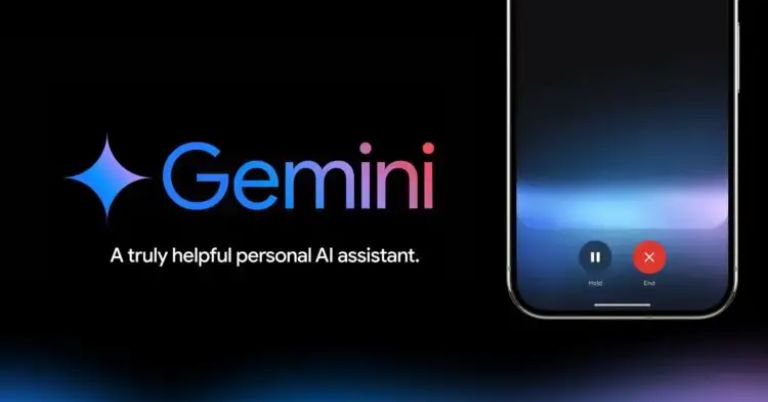
Previously, when you asked Gemini to send a message or make a call you had to unlock your phone first. But now it lets you make calls and send texts without even unlocking your device. In this article, we’ll explore this new feature from Google and show you how to use it.
Gemini's new feature
Google has introduced a new option called “Make calls and messages without unlocking” in the Gemini settings. As the name suggests, this feature allows you to make calls or send messages while your phone is still locked. It’s currently available in the beta version of the Google app. Once you activate this feature, you can request Gemini assistant to call or text someone without the device locked.- Also, read:
How to use this feature
There are just a few simple steps to follow and you can get this feature:- Open your phone's settings.
- Navigate to Gemini Settings.
- Find the “Gemini on Lock Screen” option.
- Turn on “Use Gemini without unlocking” and enable both the "Phone" and "Messages" options.
- That’s it!
No gallery images available
Final thoughts
While this feature is undeniably helpful, it does come with potential privacy concerns. Normally, the extra steps needed to unlock the phone help to protect the information. With this new feature, however, someone could ask Gemini to make a call or send a message without your knowledge, which might feel unsettling to those who prioritize safety. For privacy-conscious users like me, this may not seem like the best choice.- Meanwhile, watch our 3D print video:
Article Last updated: December 5, 2024