Why Trust Gadgetbyte?
At Gadgetbyte, we invest substantial hours into rigorously testing each product or service we review, guaranteeing that you make informed purchases. Learn more about our testing process.
Review Overview
3.7
Dell Inspiron 15 3501 is a good option in the budget segment. Either you're a student or an office employee looking for an affordable option, then this laptop is what you can give a shot. However, if you want an eye-appealing device, turning your head around other options in the markets could be worthwhile.
Performance
7/10
Design and Build
8/10
Display
7/10
Keyboard
6/10
Trackpad
7/10
Battery
9/10
Value for Money
8/10
Dell Inspiron 15 3501 Specifications:
- Design & Build: Plastic build, 14.33W x 9.80D x 0.78H-inches, 1.83 kg
- Display: 15.6″ WVA panel, FHD (1920×1080) resolution, 141 PPI
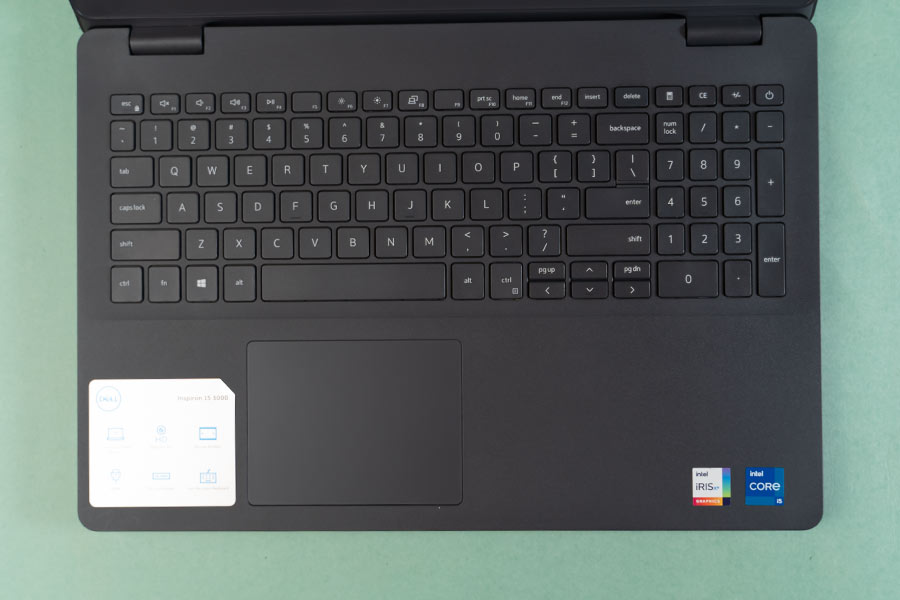
- Keyboard: Standard Qwerty keyboard with number pad
- Trackpad: Plastic multi-touch trackpad, Windows Precision drivers
- Processor: 11th gen Intel Core i5-1135G7, 2.40GHz
- RAM: 8GB LPDDR4X RAM
- Storage: 256GB SSD
- Graphics: Intel Iris Xe (Integrated)
- Audio: Dual speaker setup
- Battery: 42Whr
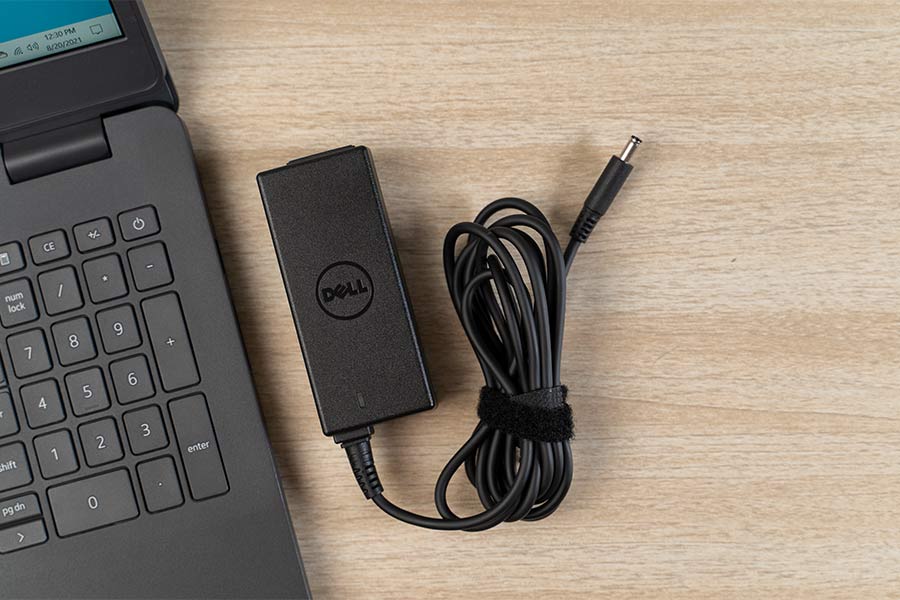
- Power Supply: 45W adapter
- Webcam: 720p front-facing camera
- Connectivity: Dual-band Wi-Fi, Bluetooth 5.0
- I/O Ports: 3x Type-A, 1x 3.5mm audio jack, 1x charge jack, 1 x RJ-45, 1 x microSD card, 1 x HDMI
- Price in Nepal: Rs. 82,000
Dell Inspiron 15 3501 Review:
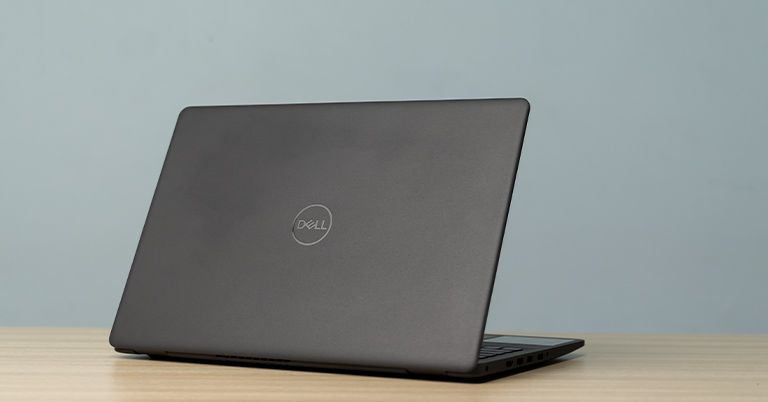
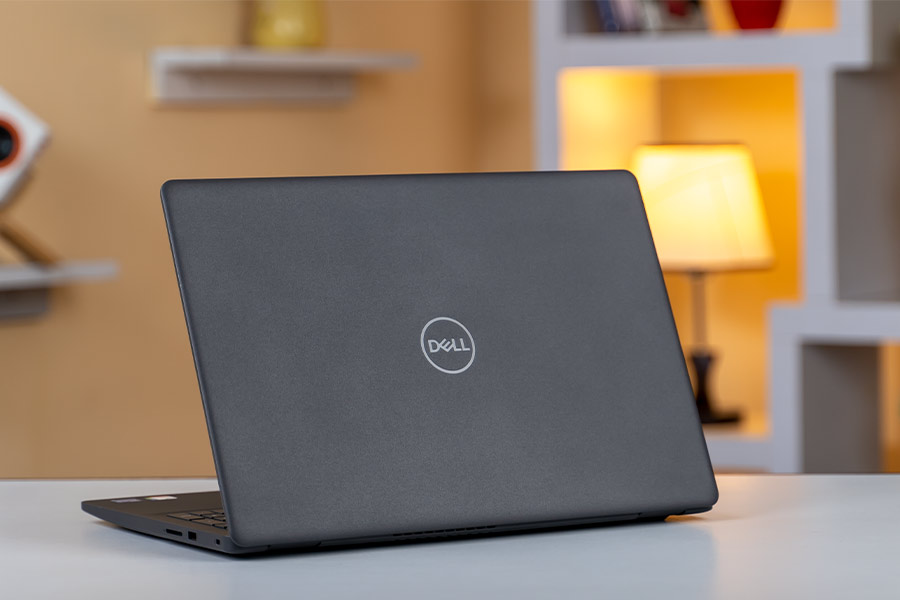
Design and Build
- Plastic build material, matte finish
- 14.33 x 9.80 x 0.78-inches, 1.83 kg
Display
- 15.6″ non-touch WVA panel, 141 PPI
- 1080p FHD resolution, 45% NTSC gamut

Breaking the promise
Moreover, tweaking things a bit with the SypderX Pro color calibrator makes the colors look more pleasing to the eyes. But, I was quite shocked to find out that our unit of the display maxed out at 131.7 nits—while Dell advertises 220 nits of peak brightness. Thus, expecting clear visibility outdoors will be a disappointing journey.Keyboard, Trackpad
- Full-sized keyboard, Spill-resistant design
- Plastic trackpad, Integrated left/right keys
Performance
- 11th gen Intel Core i5-1135G7, 2.40GHz
- 8GB LPDDR4X RAM, 256GB M.2 SSD
Benchmarks
If you're a nerd searching for benchmarks, here it is. Checking the read/write speeds of Inspiron 3501, I found it to be pretty fast for a budget laptop. Likewise, in Cinebench R23, it managed to achieve a multi-core score of 3,637 while the single-core CPU core came out to 1,116. Summing it all up, for a budget laptop, these are admirable scores.CrystalDiskMark
| Read (MB/s) | Write (MB/s) | |
| SEQ1M Q8T1 | 2465.05 | 972.15 |
| SEQ1M Q1T1 | 1308.66 | 956.71 |
| RND4K Q32T1 | 405.87 | 420.87 |
| RNK4K Q1T1 | 46.68 | 145.34 |
Cinebench R23
| CPU: Multi-Core | 3637 |
| CPU: Single Core | 1116 |
| MP Ratio | 3.26x |
Battery
- 42Whr battery, 45W AC adapter
Ports
- 3x Type-A, 1x 3.5mm jack, 1x RJ-45, 1x microSD card, 1x HDMI
No gallery images available
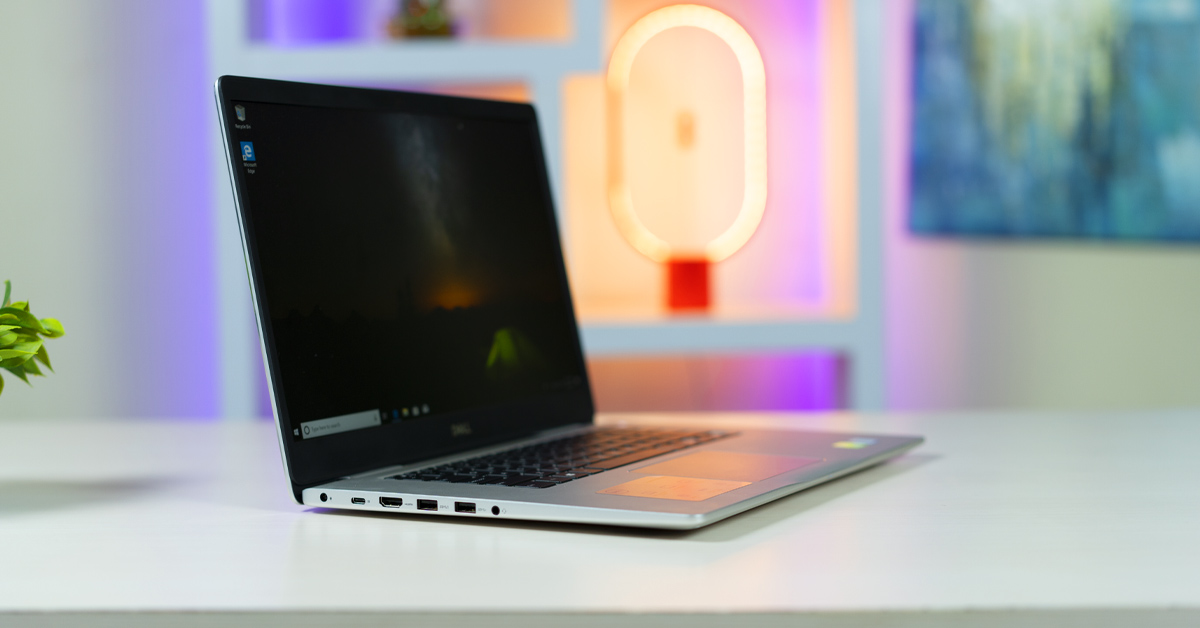
In terms of I/O connectivity, the Dell Inspiron 3501 comes with a healthy selection of ports. There are three USB Type-A, one 3.5mm audio jack, one charging jack, one LAN, one microSD card, and an HDMI port. I'm sad to see a USB-C port missing here since that's slowly becoming a norm for many gadgets.
Dell Inspiron 15 3501 Review: Conclusion
Wrapping up this review, the Dell Inspiron 15 3501 won’t turn any head in terms of design. But all things considered, it’s a decent laptop for the price. It expectedly brings a sub-par display while I feel like Dell shouldn't have skipped on a Type-C port either. On the positive end, it has an impressive battery life, suitable for office employees or students. So, I would recommend this laptop for those who want all the essentials to get the job done, but don’t want to break their banks.Dell Inspiron 15 3501 Review: Pros & Cons
Pros:- Value for money
- Decent keyboard quality
- Fairly good performance
- Good enough battery life
- Lacks screen brightness
- Sub-par trackpad quality
- Could have a more pleasing design
Article Last updated: December 9, 2025