Why Trust Gadgetbyte?
At Gadgetbyte, we invest substantial hours into rigorously testing each product or service we review, guaranteeing that you make informed purchases. Learn more about our testing process.
Review Overview
3.8
Design and Build
8/10
Display
7/10
Keyboard and Trackpad
9/10
Connectivity
7/10
Performance
7/10
Battery
8/10
Asus Vivobook S14 Specifications:
- Design: Polycarbonate, Shiny metallic finish, Protrusion on the lid, 1.4 kg
- Display: 14" LED-backlit Full-HD matte display (1920 x 1080), 57% NTSC Color Gamut
- Keyboard: Chiclet Keyboard, 3-level back-lighting, No num-pad
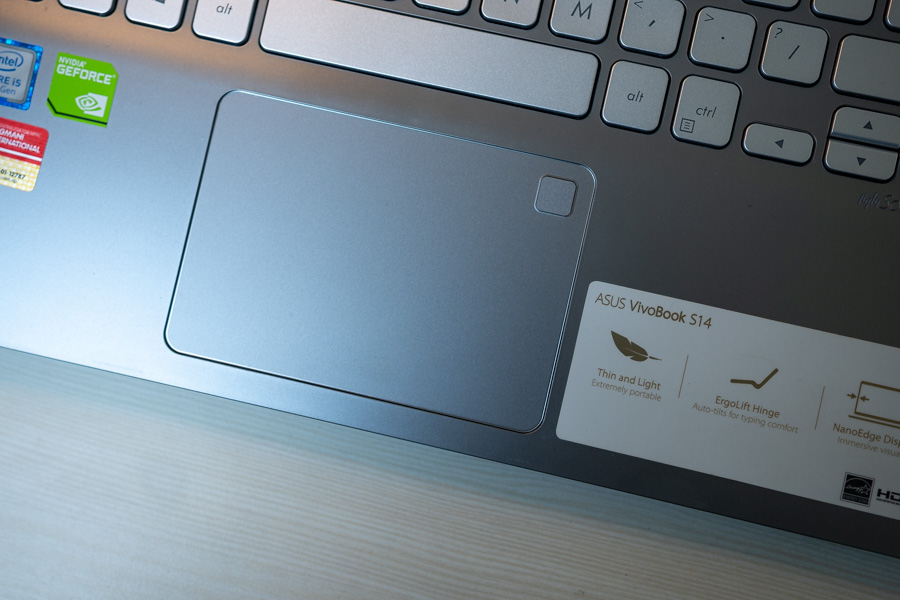
- Trackpad: Glass surface trackpad, (PTP technology), Fingerprint sensor with Windows Hello
- Ports: 1 x Type-C USB 3.1 Gen 1, 1 x Type-A USB 3.1, 2 x USB 2.0, 1 x HDMI, 1 x audio jack, 1 x microSD card reader
- Wireless connectivity: Dual-band 802.11ac Wi-Fi, Bluetooth V4.2
- Processor: 1.6 GHz 8th-gen Intel i5-8250U
- RAM: 8 GB DDR4 @ 2400 MHz
- Graphics: GTX MX150 graphics, 2 GB VRAM
- Battery: 40 Watt-hour, Fast Charging - 60% in 49 minutes
- Storage: 1 TB HDD
- Price: Rs.110,000
Design and Build
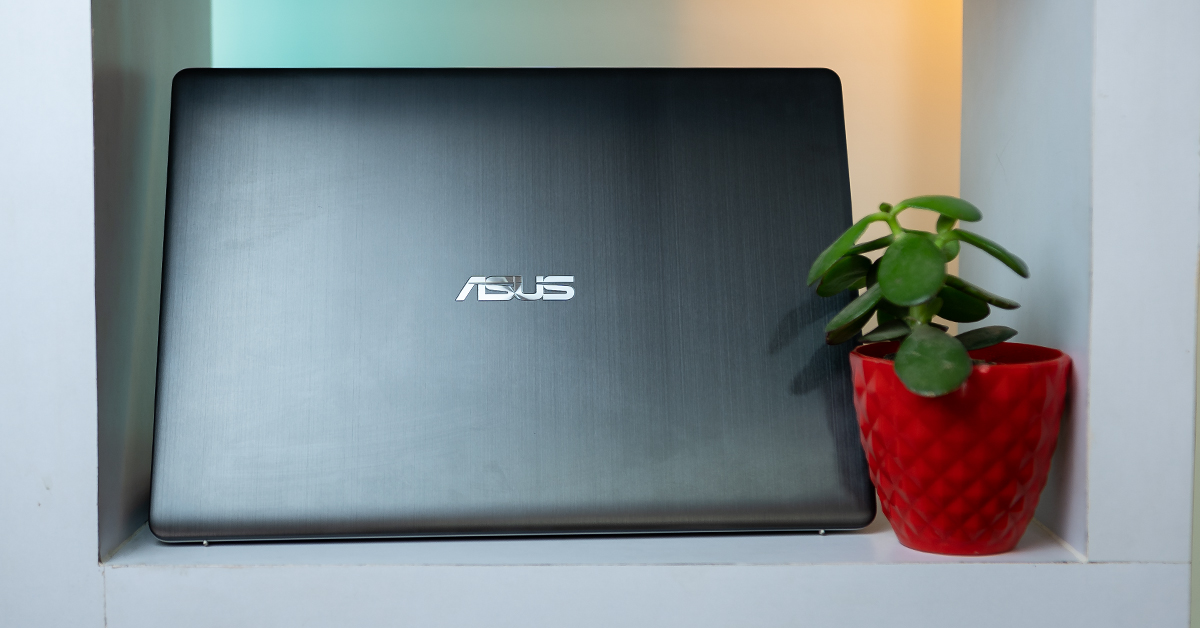
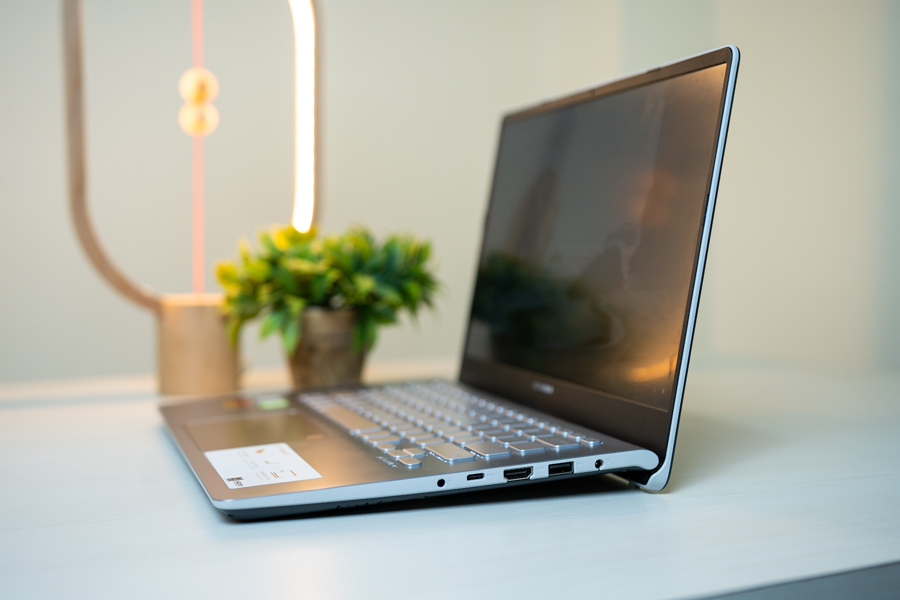
Ultrabooks are generally, more or less, the same. They’re mostly known for their compact design, sleek looks, and lightweight. And this one is the same. It looks like any other ultrabook out there. Its mostly plastic, but has a brushed metal finish, both inside and out, to give a premium look and feel.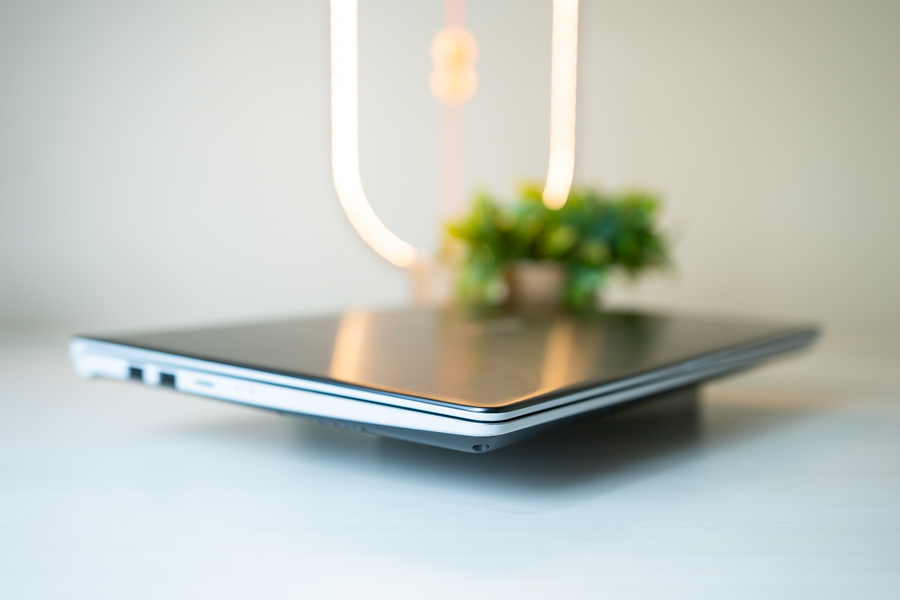
Ports
No gallery images available
Ultrabooks are not known for a great selection of ports. And this one, tries to. With three USB-As, one of which is a USB 3.0, a USB-C (without Thunderbolt 3), an HDMI, an audio jack and a microSD card slot, the selection of ports is okay. But the microSD port looks a bit less practical. I mean, if you’re into editing and stuff, a regular SD card slot would be a lot more usable.
Keyboard and Trackpad
When you look at the keyboard, something about it gives a bit of a cheap vibe. Maybe it’s the hard silver color, but I don’t look how it looks.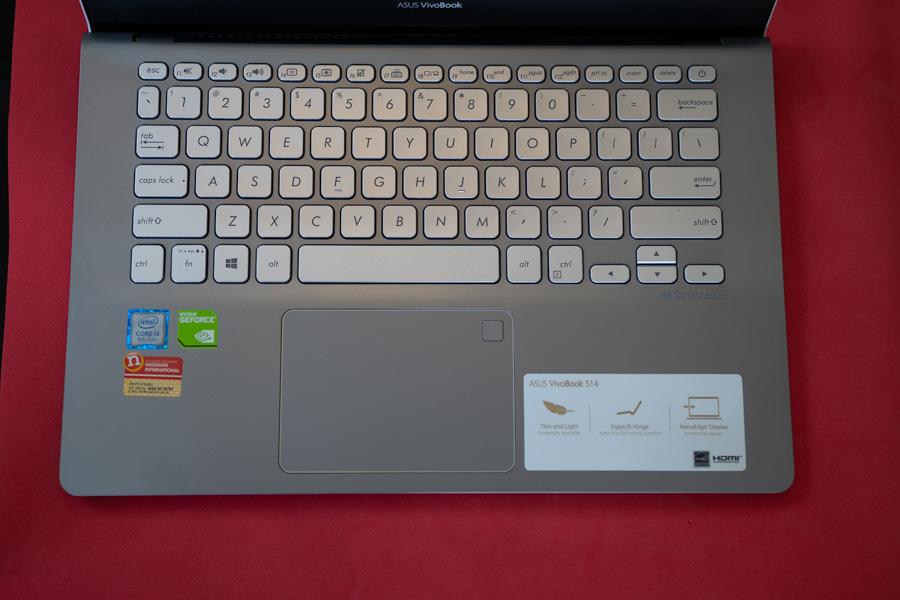
Display
As for the display, this laptop features a Full HD IPS LCD panel. It feels like the de-facto standard for ultrabooks. The screen offers decent brightness levels and good viewing angles. However, it is not bright enough to be used in well-lit areas.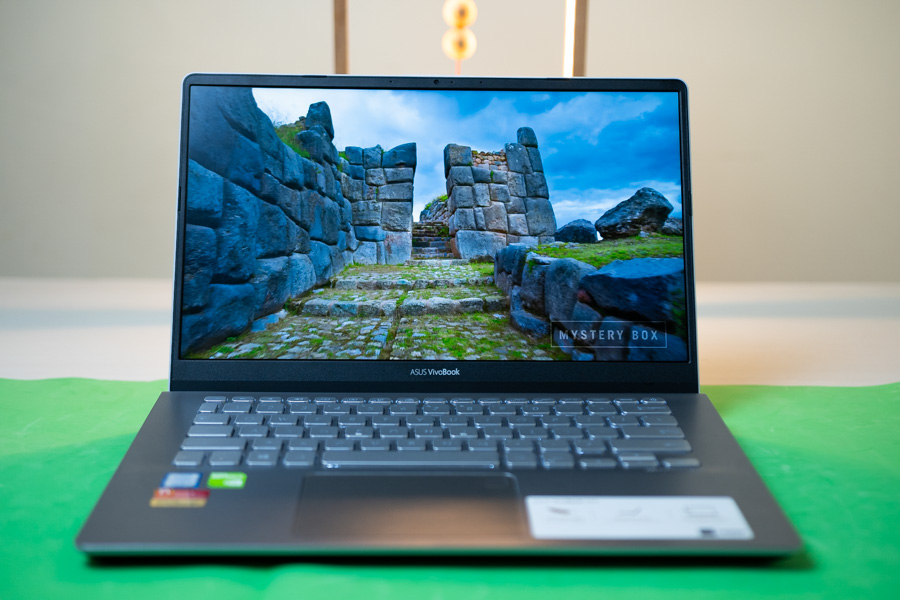
Performance
As far as ultrabooks' performance is concerned, this one could use quite a bit of tuning. The hardware choice is great. You get the 1.6 GHz 8th-gen Intel i5-8250U processor. And it is backed by 8 GB of DDR4 2400 MHz RAM. On paper, that should make it zippy enough for a power efficient processor. But the bottleneck here is its choice of an HDD rather than an SSD. Now, there are SSD variants for a higher price, but this model here only has an HDD. And if you’re coming from an SSD, then, you’ll find it very very annoying to use. Get this for instance. If you’re someone like me who opens your Google Chrome first whenever you start your laptop, it’ll take like 20-30 seconds to fully open it. So, you need a bit of patience to work with it. But once it loads up, then, it’s fast enough. You can have like 15 tabs open on your browser, and it’ll still hold its own. Using Photoshop is also smooth enough, but I didn't do any video editing on it because of its color constraints. So, no telling if it can handle that. Light gaming is supported by its dedicated GTX MX150 graphics with 2 GB V-RAM. Now that is an entry-level graphics card, so, don’t think you can play a lot of games on it. Games like FIFA and CS:GO can give you acceptable frame rates on medium settings while PUBG is barely playable at the lowest of settings. Dota 2 runs okay, and other than that, there aren't many games you can play on it. And even that needs some patience as you’re loading the games from your HDD. So, do yourselves a favor and get the SSD variant. Or even if you get one with an HDD, you can install an SSD as it does come with an M.2 SSD slot.Battery
For an ultrabook, the battery is pretty average on it. You get a 40 Watt-hour battery, and that’s actually good for an ultra-book. But even so, I got only about 4 hours of battery life at most with my standard office usage. Maybe it’s the sluggish HDD that eats up the power because I got about 6 hours on the Acer Swift 5 which has a slightly smaller battery of 36 Watt-hours. And since it doesn't last a typical office day, you’ll need to carry your charger with you. So, it’s a good thing that the charger is as small as a phone charger. Plus, it has got a Fast Charging feature in it, which can charge your laptop fully in some 1.5 hours. That’s something you don’t get on many laptops – and having one is very convenient.Thermals
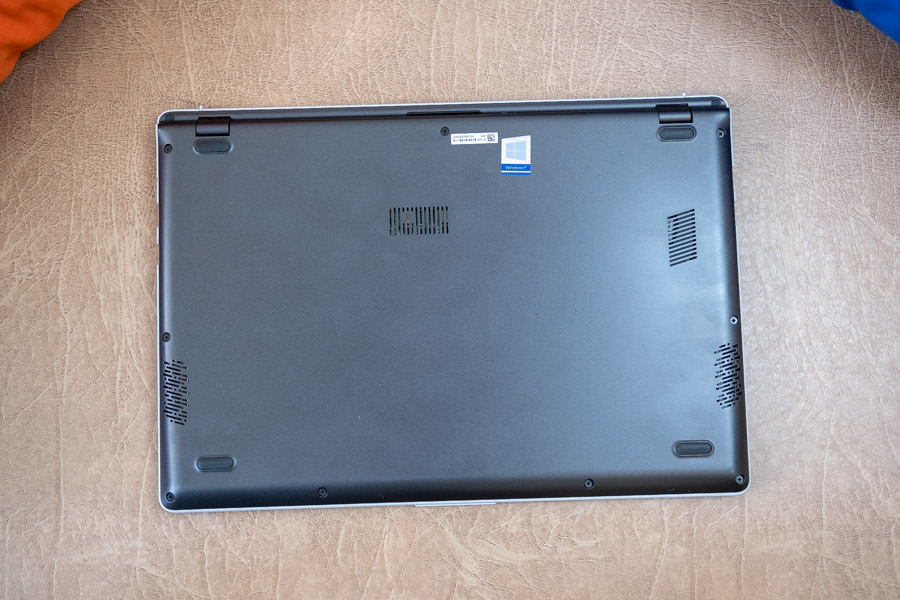
A power efficient processor can only do so much, so, the thermals aren't a very concerning matter here. It can get a bit warm, but the ventilation is efficient due to the design.Verdict
Something that really disappointed me in this laptop is the speakers. They are really quiet. If you’re working a full load and your fans are acting up, the speakers can easily get subdued. And if you’re watching movies or so, you should make sure nothing very heavy is running in the background. To sum up, the Asus Vivobook S14 430U is just like any other ultrabook out there. It is practical with its thermal management, design and builds, enough ports, and okay performance. But this is not a very exciting device. I mean, nothing really stands out apart from the efficient heat management design. I cannot help but compare it to the Acer Swift 5, mostly because of the similar prices. And to me, that stands out because of its featherweight, while doing most things similar to better than this one. If you get the SSD variant, you will like it, though. This is a laptop to get if you’re an office worker yet have to move around mostly. It is not suitable for content creators, though because of the display, but for the regular layman who wants an ultra-book, you can go for it.Article Last updated: March 28, 2019