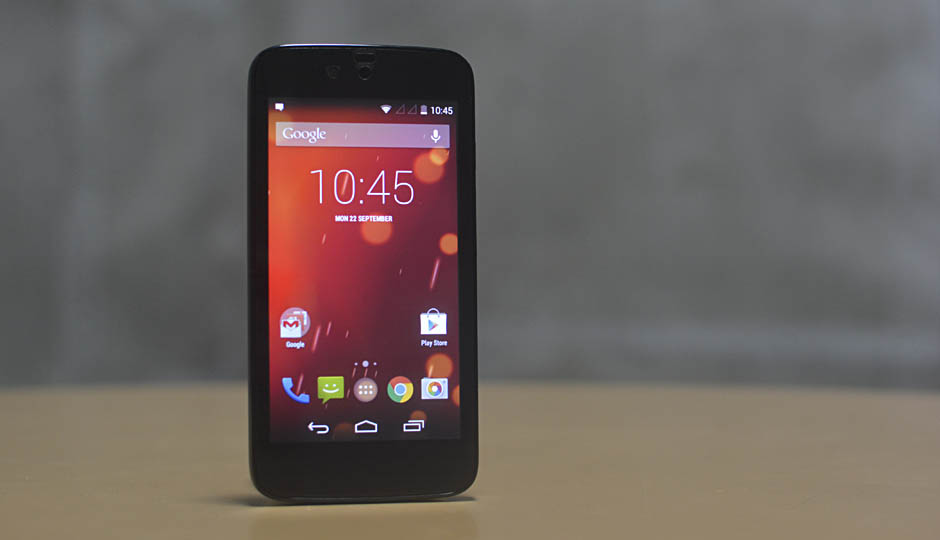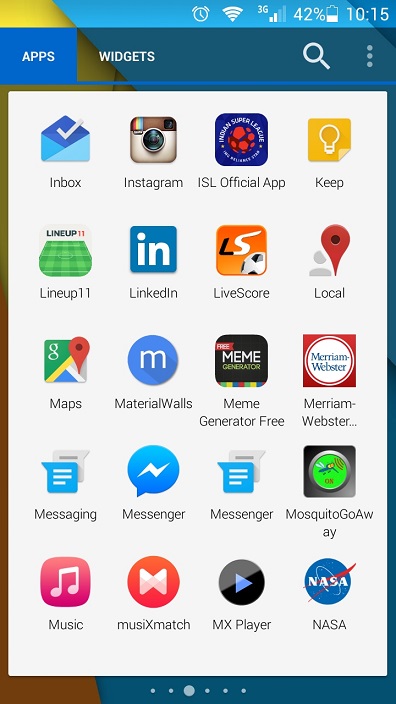
Android Lollipop hasn't arrived yet in many devices, but there are always some ways to get some features of Android Lollipop on phones running on the older versions of android. One of the features of Android Lollipop is the revamped App Drawer. Here are the steps how to get Lollipop-Style Launcher Cards on your device:
- Install Nova Launcher. Link: HERE
- Make Nova Launcher as your default launcher.
- Join the Nova Beta Community. Link: HERE
- After joining the community, you should get updates. Manually check the update by navigating though Google play store.
- After the Update, Go to Nova settings (press the screen for 1-2 secs where u see a settings icon). Then go to Drawer and enable "Show Pages as cards".
WE ALSO RECOMMEND:
- Huawei Device Nepal launches Honor Holly, Honor 6, Ascend Mate 7 and Ascend Y520
Android Lollipop-Style Launcher Cards on your Android device
Article Last updated: December 2, 2014